Roku does not publish a factory reset for its remotes — the official procedure is called restarting the remote. On a battery remote: take both batteries out, press any two buttons, then put a fresh matching pair back in negative end first. On a rechargeable remote: hold the pairing button, or Back and Home together, for twenty seconds. Auxility Remote keeps the television usable while you work through it.
Re-pairing a remote takes patience and timing. Auxility Remote gives you instant control over Wi-Fi, so you reset the hardware on your own schedule.
Download Free App
Free
Core controls
No pairing
Same Wi-Fi is enough
Which app this guide is for
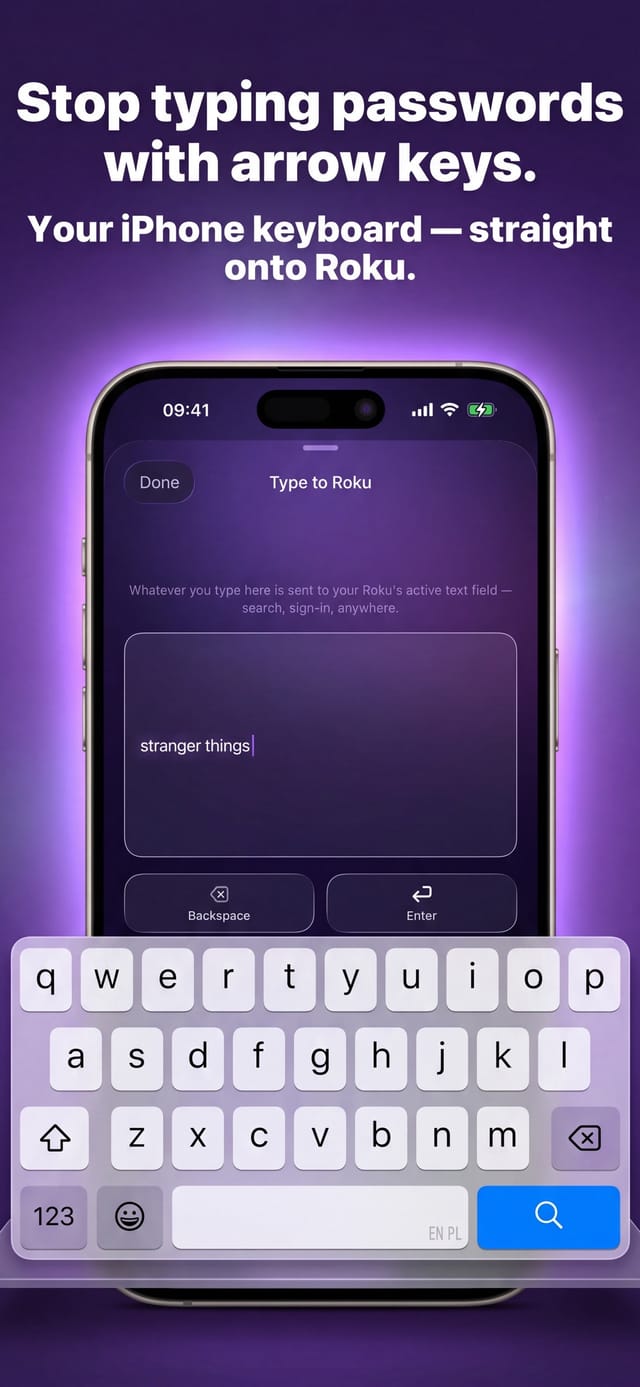
This guide is for Auxility Remote for Roku TV, the Roku-only app by Auxility. It is not the universal app: My Universal TV Remote Control covers every TV brand in the house, Roku included, but keeps to the basics on Roku. Roku-deep features such as phone-keyboard typing into Roku search, voice search, Apple Watch control and the remote finder belong to the Roku app. For the universal angle, see Roku TV remote guides for the universal app and its free Roku remote app page.
Half the reset advice online conflates four different procedures: restarting the remote, pairing it, restarting the device and factory-resetting the device. They have different steps, different durations and wildly different consequences — factory-resetting a television because a remote stopped responding is a genuinely bad afternoon. This guide separates them and puts them in the right order.
Diagnosis
Work down this list. Each step is more disruptive than the one above it, so stop as soon as the remote comes back.
| Procedure | How to do it | When it is the right move |
|---|---|---|
| Restart the remote (battery models) | Remove both batteries, press any two buttons, reinsert a fresh matching pair with the negative end first. | First thing to try on any unresponsive remote. Pressing buttons with the cells out drains residual charge, which is what makes this a restart rather than a battery swap. |
| Restart the remote (rechargeable models) | Hold the pairing button for twenty seconds, or Back and Home together for twenty seconds if there is no pairing button, then wait for the light to stop flashing. | The equivalent for a Voice Remote Pro, where there are no cells to pull. Note twenty seconds, not five — five is the pairing gesture. |
| Re-pair a voice remote | Hold pairing for five seconds, or Back and Home for five seconds, while the device is also in pairing mode. | When a voice remote has lost its link to the player. Pointless on a simple infrared remote, which has no pairing at all. |
| Restart or reset the device | Restart: Settings, System, System restart. Factory reset: Settings, System, Advanced system settings, Factory reset. | Restart is safe and often helps. Factory reset wipes your accounts and settings and is a last resort, not a remote fix. |
Step by step
Open Auxility Remote on the same Wi-Fi and tap your Roku. Reset sequences involve waiting, and waiting is much easier with a working screen. Control over the network needs no pairing, so nothing you are about to do to the remote affects it.
Take both batteries out. Press any two buttons on the powerless remote. Then fit a fresh, matching pair — do not mix an old cell with a new one — seating the negative end first, and replace the cover. On a rechargeable remote, hold the pairing button, or Back and Home together, for twenty seconds instead.
On the Roku, open Settings, then Remotes and devices, then Remotes, then your remote, then About. This reports the level directly, which saves guessing at whether the cells you just replaced were actually the problem.
Go to Settings, then System, then System restart. On a Roku TV there may be a Power submenu first; skip it if you do not see one. Unplugging the device for at least five seconds achieves the same thing if you cannot navigate the menus.
Hold pairing for five seconds, or Back and Home for five seconds, and put the device into pairing mode at the same time via Settings, Remotes and devices, Add devices, Remote, Continue. Both sides have to be in pairing mode simultaneously or nothing happens.
A factory reset clears your Roku account link, your installed channels and every setting. It fixes device faults, not remote faults. If the app can drive the Roku perfectly, the device is fine and resetting it will only cost you an evening of re-signing into everything.
Roku publishes an article for restarting a remote and none at all for factory-resetting one, and that gap is meaningful rather than an oversight. A remote holds almost no state: batteries, and on wireless models a pairing to one player. There is nothing else in there to wipe, so the procedures are drain-the-power and forget-the-pairing, which is what the restart and pairing gestures respectively do.
That is why "factory reset my Roku remote" turns up so many contradictory answers. There is no such operation, so every article invents its own. The two things that genuinely exist are the twenty-second hold on rechargeable models and the batteries-out-press-two-buttons sequence on battery models.
The same button does two different jobs depending on how long you hold it, which is the single most common way these procedures go wrong. Five seconds on the pairing button, or on Back and Home together, starts pairing. Twenty seconds on the same buttons restarts the remote. Hold for ten and you will get an outcome you did not ask for and cannot easily identify.
There is a third combination worth knowing: holding Back, Home and Mute together for five seconds disables a remote. That is deliberate — it exists so an unused second remote can be taken out of play — but it is an unpleasant surprise if you stumble onto it while mashing buttons. If a remote suddenly stops working after a bout of experimentation, this is a strong candidate for what happened.
A system restart is harmless: Settings, System, System restart, or a five-second unplug. It clears transient faults and costs nothing but a boot cycle, so it belongs early in any troubleshooting sequence.
A factory reset is not in the same category. It removes your account link, your channels and every setting, and on a Roku TV the option is labelled Factory reset everything. If the remote is the thing that is broken, a factory reset does not repair it — you end up with the same dead remote and a television that also needs setting up again. There is a narrower option worth knowing about first: Settings, System, Advanced system settings, Network connection reset clears only the network configuration, which is the right tool if connectivity rather than the remote is the actual problem.
Roku simple remote (no voice button)
Only one procedure applies: remove the old cells, press any two buttons, fit a fresh matching pair. There is no pairing to reset because Roku simple remotes have no pairing button.
Roku voice remote (battery powered)
Both procedures apply. Restart with the battery sequence; re-pair with a five-second hold on the pairing button or on Back and Home together.
Roku Voice Remote Pro (rechargeable)
No cells to remove, so the restart is a twenty-second hold. Wait for the light to stop flashing before deciding whether it worked, and remember its charging light also flashes.
Roku players and Roku TVs
Device reset varies by form factor. Players usually have a reset button on the back or bottom, either tactile or a pinhole, held about ten seconds. Roku TVs vary widely — some have a recessed pinhole, some use Power together with the remote-finder button, and some have only a power button to hold.
A reset restores state; it cannot restore hardware. A remote with a cracked board, a leaked battery compartment or a failed button membrane will survive every procedure on this page unchanged, and at that point the choice is a replacement remote or a phone. Auxility Remote also cannot participate in any of this: it holds no pairing, so there is nothing in it to reset, and it can neither trigger nor complete a remote pairing sequence. It simply keeps the television working while you decide.
Technical reference
Exact gestures, durations and menu paths, separated so the five-second and twenty-second holds do not get confused.
| Detail | Value |
|---|---|
| Restart remote (battery) | Remove both batteries, press any two buttons, reinsert a fresh matching pair negative end first, replace cover. |
| Restart remote (rechargeable) | Hold Pairing 20 seconds, or Back + Home 20 seconds if no pairing button; wait for the light to stop flashing. |
| Pair remote | Hold Pairing 5 seconds, or Back + Home 5 seconds. Device side: Settings, Remotes and devices, Add devices, Remote, Continue — simultaneously. |
| Disable a remote | Hold Back + Home + Mute together for 5 seconds. Intended for taking an unused second remote out of play; easy to trigger by accident. |
| Device restart | Settings, System, System restart. Roku TV may route through a Power submenu. Equivalent: unplug for 5 seconds. |
| Network-only reset | Settings, System, Advanced system settings, Network connection reset, Reset connection. Clears network configuration without touching accounts or channels. |
| Factory reset | Settings, System, Advanced system settings, Factory reset (on a Roku TV, Factory reset everything). Players: hold the reset button on the back or bottom about 10 seconds until the status LED blinks rapidly. Roku TVs vary — pinhole held 12 seconds, or Power plus the remote-finder button for 12 seconds, or the power button alone for 10 seconds on sets with no reset button. |
| Battery level readout | Settings, Remotes and devices, Remotes, your remote, About. |
Compatibility: All Roku remotes and devices: Roku TVs (TCL, Hisense, onn., Philips, RCA, Sharp, Westinghouse), Streaming Stick, Express, Ultra, Streambar.
Frequently asked questions
Roku calls it restarting the remote. Remove both batteries, press any two buttons on the dead remote, then fit a fresh matching pair with the negative end going in first. On a rechargeable remote, hold the pairing button — or Back and Home together — for twenty seconds and wait for the light to stop flashing.
No, and that is why the advice online contradicts itself. Roku publishes a restart procedure and a pairing procedure, and nothing else, because a remote holds almost no state beyond its power and its pairing. Anything presented as a remote factory reset is one of those two operations under a different name.
The same buttons do two jobs. Five seconds starts pairing; twenty seconds restarts the remote. There is also a third: Back, Home and Mute together for five seconds disables a remote entirely, which is worth knowing because it is easy to trigger by accident while experimenting.
If it has no voice button either, it is a simple infrared remote with no pairing state at all — fresh batteries and a clear line of sight are the whole procedure. If it is a voice remote without a pairing button, use Back and Home together: five seconds to pair, twenty to restart.
No. A factory reset clears your account, channels and settings and does nothing to a faulty remote — you finish with the same dead remote and a television to set up again. Try the remote restart, then a system restart of the device, then re-pairing. If the app can drive the Roku normally, the device is healthy and needs nothing.
More Roku app guides
Roku Remote Pairing
roku remote pairing
Roku Secret Menu
roku secret menu
Remote Blinking Green
roku remote blinking green
Lost Roku Remote
lost roku remote
Roku Stick Overheating
roku stick overheating
Roku Remote Keyboard
roku remote keyboard
Roku Private Listening
roku private listening
Control by Mobile Apps
roku control by mobile apps
Roku App Won't Connect
roku app won't connect
Roku Off Wi-Fi, No Remote
connect roku to wifi without remote
Free download
Auxility Remote replaces the remote over Wi-Fi the moment your iPhone joins the same network. No pairing code, no account, no original remote needed.
Download Free AppAn independent app by Auxility, Inc. Not affiliated with, endorsed by, or sponsored by Roku, Inc. Roku is a trademark of Roku, Inc., used only to indicate device compatibility.